QuickBlox iOS SDK
Build real-time chat, calling, and AI experiences into your iOS app—fast.
The QuickBlox iOS SDK gives you everything you need to launch secure, scalable, and smart communication features with minimal effort.
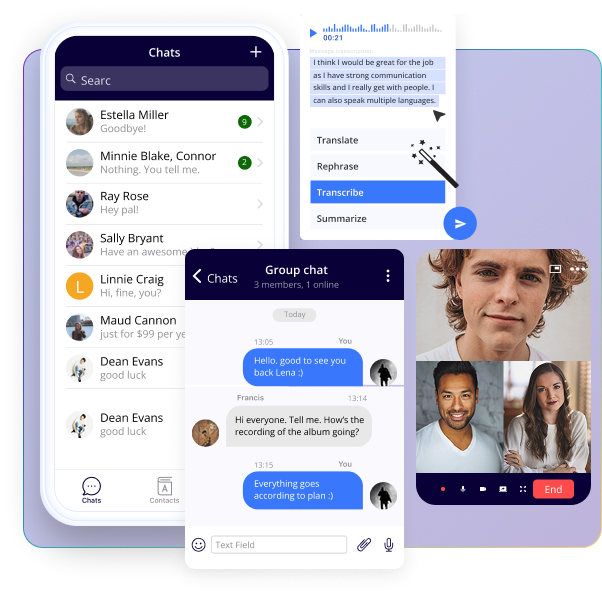
Build real-time chat, calling, and AI experiences into your iOS app—fast.
The QuickBlox iOS SDK gives you everything you need to launch secure, scalable, and smart communication features with minimal effort.
QuickBlox’s iOS SDK includes AI tools to enhance communication and engagement right out of the box.

AI Answer Assist
Provide instant, relevant reply suggestions that keep chat flowing

AI Translate
Enable seamless multilingual communication with real-time translation

AI Rephrase
Help users fine-tune tone and clarity with dynamic rewording options

AI Chat Assistant
Let users chat directly with an AI-assistants within your app—helps answer questions, retrieve information, or escalate to your support agents, when necessary
Speed up development with rich, customizable chat components—without building from scratch.
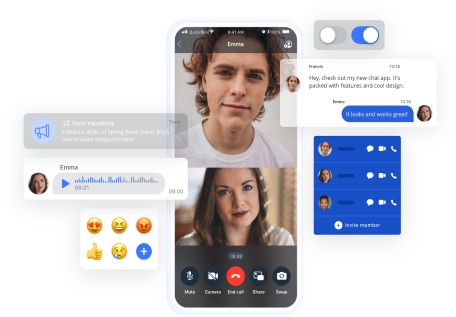
Everything you need to power real-time communication inside your iOS app.
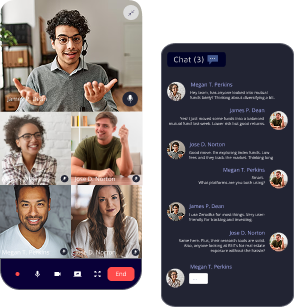
 In-App Chat
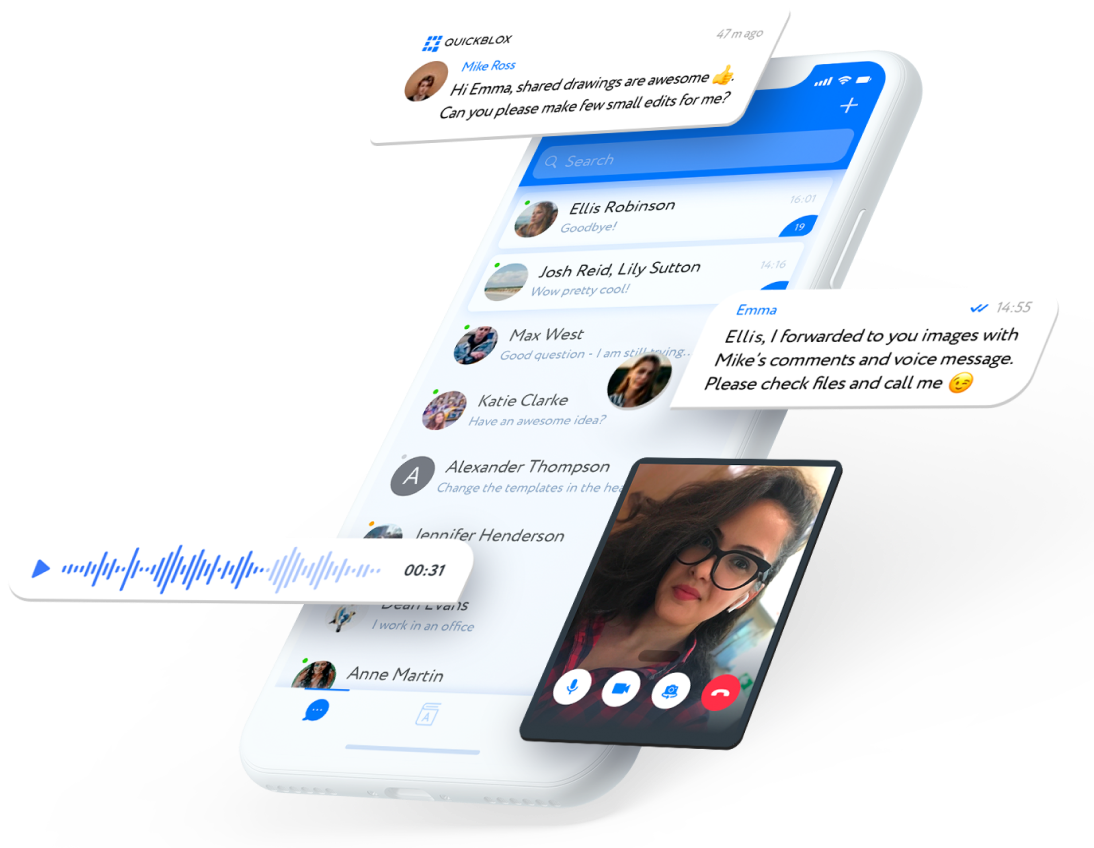
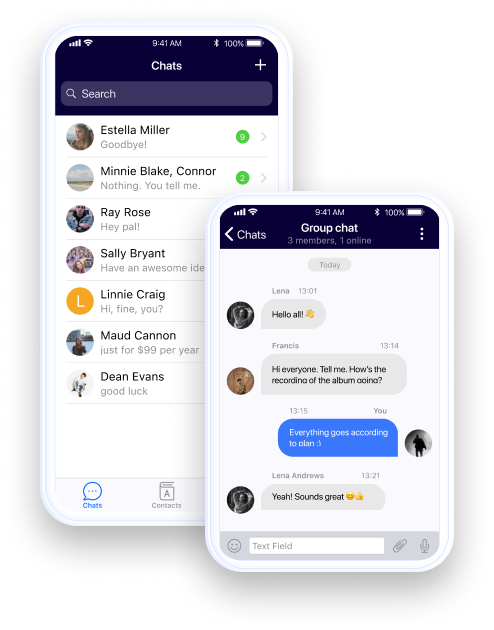
Real-time 1-on-1 and group chat with media sharing, typing indicators, and read receipts
Voice & Video Calls
WebRTC-based high-quality calling for private or group conversations
Push Notifications
Keep users engaged with native mobile alerts even when offline
Power up your app in minutes with our developer-friendly iOS SDK
No credit card required. Start integrating in minutes.
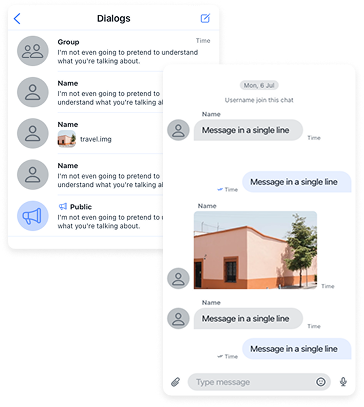
 Fast to Integrate
Clean Swift code, clear docs, and easy setup.
 Modular & Scalable
Use just what you need, from chat to push notifications to calls.
 HIPAA-Ready & Secure
Secure and encrypted hosting options.
Sign up for a free account
Create your app and copy your credentials
Install via Swift Package Manager or CocoaPods
Send your first message!
Initialize the SDK in your app
import SwiftUI
import Quickblox
import QuickBloxUIKit

let APP_ID: UInt = 0 // "your_application_id"
let APP_KEY = "your_auth_key"
let APP_SECRET = "your_auth_secret"
let ACCOUNT_KEY = "your_account_key"

let USER_LOGIN = "your_user_login"
let USER_PASSWORD = "your_user_password"

final class QuickBloxUIKitViewModel: ObservableObject {
    public enum State { case authorized, loading }

    @Published var state: State = .loading

    init() {
        Quickblox.initWithApplicationId(APP_ID,
                                        authKey: APP_KEY,
                                        authSecret: APP_SECRET,
                                        accountKey: ACCOUNT_KEY)
        Task { try await authorize() }
    }

    @MainActor public func authorize() async throws {
        try await QBRequest.login(USER_LOGIN, password: USER_PASSWORD)
        state = .authorized
    }
}

struct QuickBloxUIKitView: View {
    @StateObject var viewModel = QuickBloxUIKitViewModel()

    var body: some View {
        switch viewModel.state {
        case .loading: ProgressView()
        case .authorized: QuickBloxUIKit.dialogsView()
        }
    }
}

@main struct Application: App {
    var body: some Scene {
        WindowGroup { QuickBloxUIKitView() }
    }
}
| Feature Module | Description |
|---|---|
 Authentication |
Sign up, login, and session handling |
Chat |
Real-time messaging with media support |
Voice & Video |
WebRTC-based audio and video calls |
Push Notifications |
Native alerts to keep users updated |
User Management |
User profiles, roles, and contact lists |
Content |
Upload and share images, documents, audio |
Custom Objects |
Flexible backend records for app-specific data |
Address Book Sync |
Discover users via device contacts |
Integrates easily with REST API and WebSocket
QuickBlox is trusted by organizations worldwide to power secure, mission-critical communication

HIPAA-compliant
hosting available

Self-hosted or
cloud deployment

Priority support,
onboarding, and SLAs
Whether you’re building for 1,000 or 1 million users—we scale with you.
Power up your app in minutes with our developer-friendly iOS SDK.
Sign up now and get your iOS chat app running today.