How to Run JavaScript Chat and WebRTC Video Calling Samples
Learn how to configure and run QuickBlox JavaScript chat, WebRTC video calling, video conference, and Quickstart samples locally.
Developer Tutorials & Guides
Step-by-step tutorials, architecture guides, and implementation best practices for building communication applications, AI-powered workflows, and healthcare solutions with QuickBlox.
Learn how to configure and run QuickBlox JavaScript chat, WebRTC video calling, video conference, and Quickstart samples locally.
Learn how to use GitHub with Android Studio. This step-by-step tutorial covers cloning repositories, creating and switching branches, committing changes, pushing code, and viewing Git history.
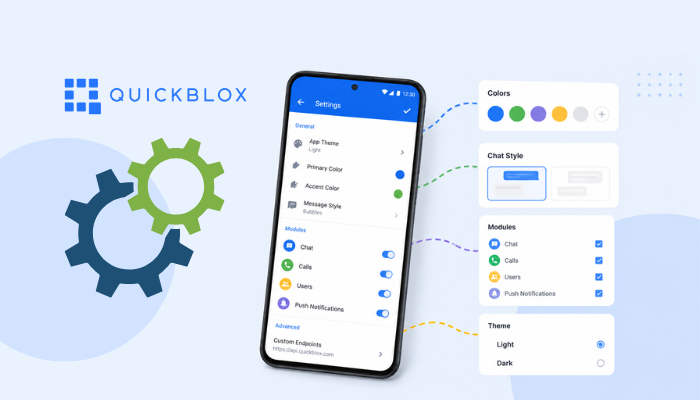
Learn how to configure QuickBlox Android UI Kit components using built-in configuration methods or custom implementations. Customize themes, colors, callbacks, and UI behavior.
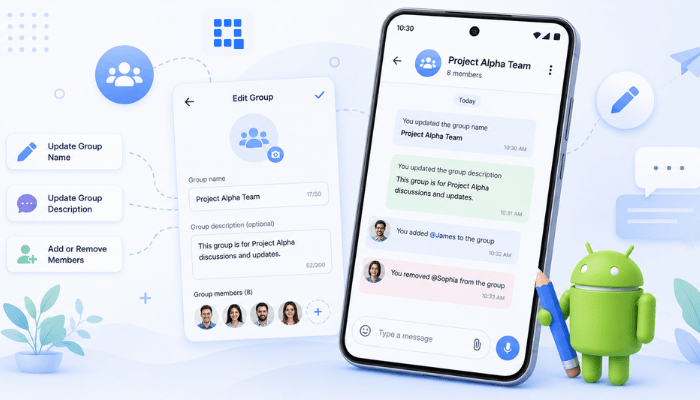
Learn how to integrate the QuickBlox Android UI Kit into your Android app. This tutorial covers installation, SDK initialization, user authentication, and launching the default chat interface.
Follow this step-by-step tutorial to run QuickBlox Android chat and WebRTC video calling samples, configure your app credentials, set up optional push notifications, and launch your sample.
QuickBlox's JavaScript SDK lets you add real-time 1:1 chat to a web page with a single <script> tag. No backend server, no Node.js, no…
If you need to add real-time 1:1 chat to a React + TypeScript app, the QuickBlox JavaScript SDK lets you do it with a…