Build fast, scalable, and AI-powered chat on the web.
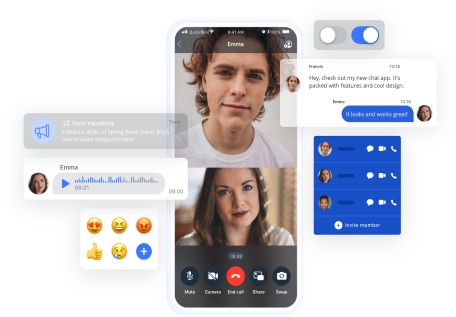
QuickBlox’s JavaScript SDK helps you integrate real-time messaging, voice/video calling, and smart AI chat into any web application. Designed for flexibility and speed, it’s a powerful SDK for both browser and cross-platform apps.
Everything you need to add real-time communication to your web app.
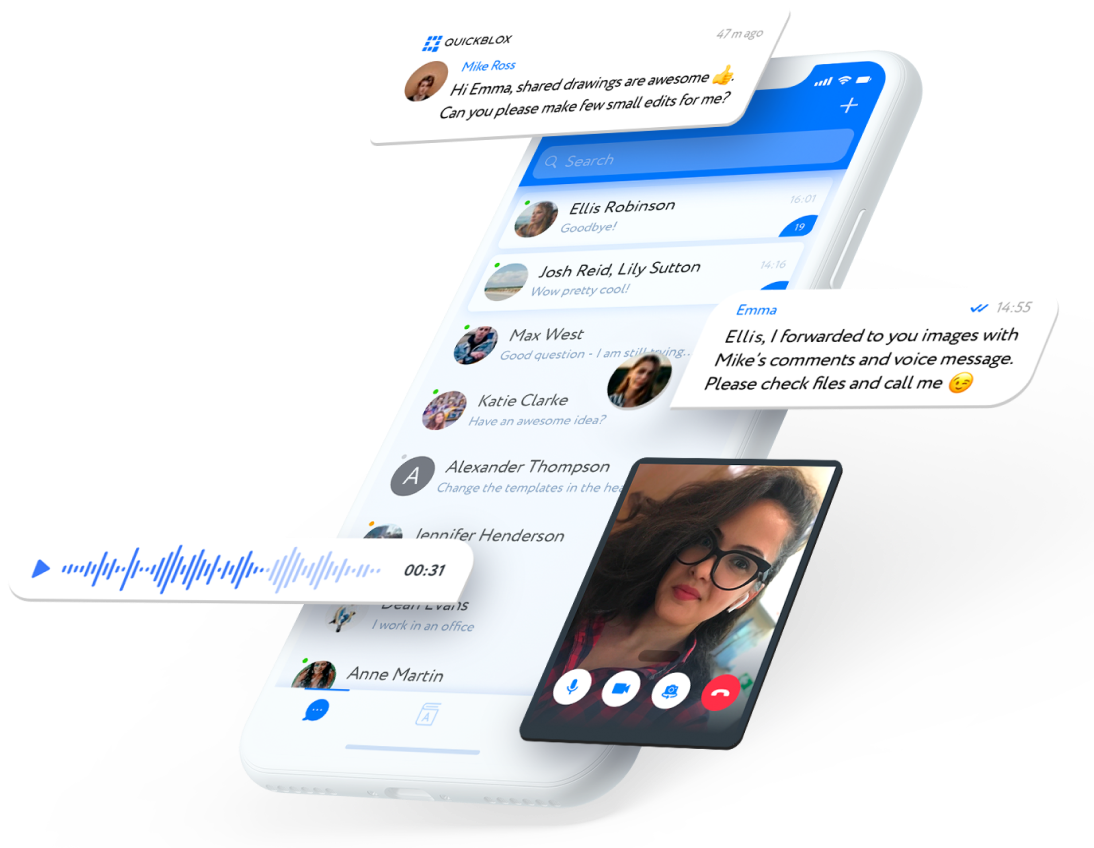
In-Browser Chat
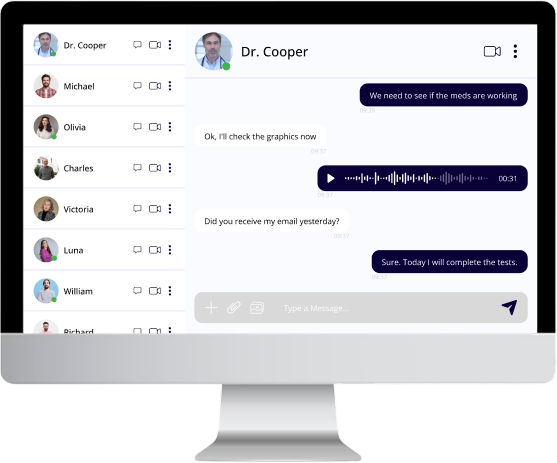
Enable 1-on-1 and group messaging with typing indicators, file sharing, and message history—all within the browser.
Voice & Video Calls
Add crystal-clear WebRTC-based calling to connect users instantly in-browser—no downloads required.
User Authentication
Ensure only authorized users can log in and stay connected safely.
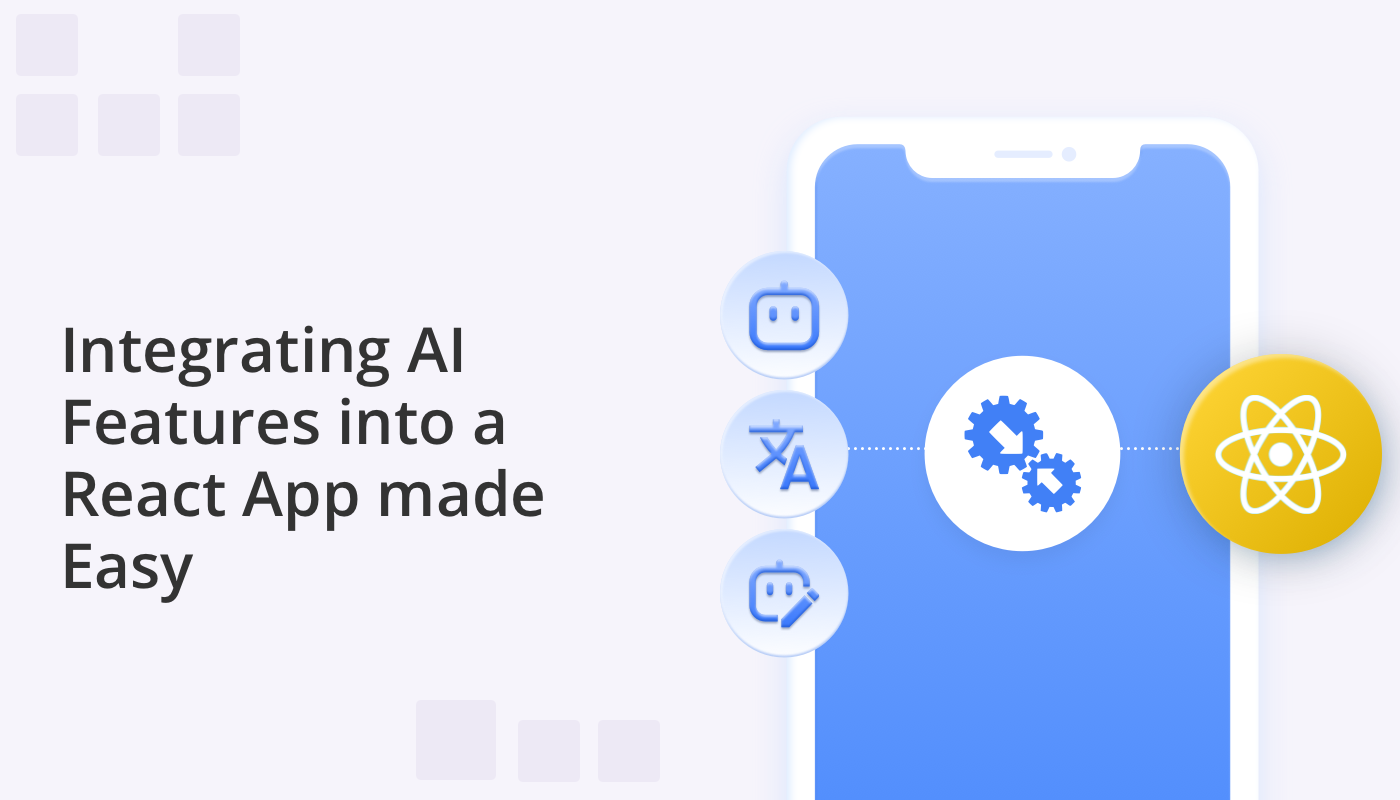
QuickBlox’s JavaScript SDK comes with built-in AI tools to enhance how users chat and engage—right from the web interface.
Answer Assist
Offers contextual reply suggestions to speed up response time and improve communication flow.
Translate
Translates messages in real-time between languages to support a global user base.
Rephrase
Lets users rewrite messages to better match tone or clarity, ideal for support or sensitive use cases.
AI Assistants
Add smart assistants for onboarding, support, scheduling, and more—directly into your web chat flow.
No third-party AI integrations needed. Everything runs natively through QuickBlox’s platform.
Speed up development with QuickBlox’s customizable UI components for React based front ends
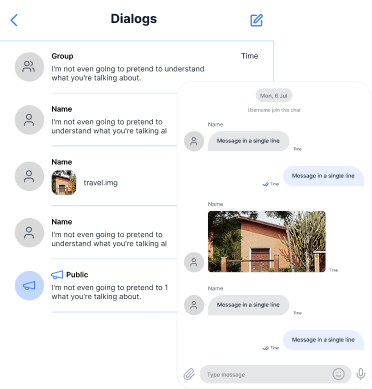
Dialogs & Navigation:
Manage ongoing chats with message previews, timestamps, and unread markers.
Rich Media Support:
Effortlessly send or receive text, images, audio, video, and document attachments.
Delivery Feedback:
Real-time indicators show when messages are being typed, sent, delivered, and read.
Voice & Link Previews:
Enhance interaction with voice messages and automatic link rendering.
Configurable UI Actions:
Tailor message behavior, theming, and shortcuts for your brand experience.
Launch quickly without compromising UX or flexibility.
Supercharge your web app with real-time chat, voice, and video using our developer-friendly JavaScript SDK.
No credit card needed. Start integrating in minutes
Quick to Integrate
Lightweight SDK, well-documented APIs, and rapid setup via npm.
Flexible & Cross-Platform
Use with web, hybrid apps, or frameworks like React and Angular.
Built for Compliance
End-to-end encryption and hosting options that meet HIPAA and enterprise security standards.
Sign up for a free QuickBlox account
Create your app and copy the credentials
Install the SDK using npm
Send your first message!
Initialize and connect the SDK
import React, { useEffect } from 'react';
// @ts-ignore
import * as QB from "quickblox/quickblox";
import {
QuickBloxUIKitProvider,
qbDataContext,
QuickBloxUIKitDesktopLayout, LoginData, AuthorizationData, QBDataContextType,
} from 'quickblox-react-ui-kit';
import { QBConfig } from './QBconfig';
import './App.css';
function App() {
const currentUser: LoginData = {
login: '',
password: '',
};
const qbUIKitContext: QBDataContextType = React.useContext(qbDataContext);
const [isUserAuthorized, setUserAuthorized] = React.useState(false);
const [isSDKInitialized, setSDKInitialized] = React.useState(false);
const prepareSDK = async (): Promise<void> => {
// check if we have installed SDK
if ((window as any).QB === undefined) {
if (QB !== undefined) {
(window as any).QB = QB;
} else {
let QBLib = require('quickblox/quickblox.min');
(window as any).QB = QBLib;
}
}
const APPLICATION_ID = QBConfig.credentials.appId;
const AUTH_KEY = QBConfig.credentials.authKey;
const AUTH_SECRET = QBConfig.credentials.authSecret;
const ACCOUNT_KEY = QBConfig.credentials.accountKey;
const CONFIG = QBConfig.appConfig;
QB.init(APPLICATION_ID, AUTH_KEY, AUTH_SECRET, ACCOUNT_KEY, CONFIG);
};
useEffect(() => {
if (!isSDKInitialized) {
prepareSDK().then(result => {
QB.createSession(currentUser, async function (errorCreateSession: any, session: any) {
if (errorCreateSession) {
console.log('Create User Session has error:', JSON.stringify(errorCreateSession));
} else {
const userId: number = session.user_id;
const password: string = session.token;
const paramsConnect = { userId, password };
QB.chat.connect(paramsConnect, async function (errorConnect: any, resultConnect: any) {
if (errorConnect) {
console.log('Can not connect to chat server: ', errorConnect);
} else {
const authData: AuthorizationData = {
userId: userId,
password: password,
userName: currentUser.login,
sessionToken: session.token
};
await qbUIKitContext.authorize(authData);
setSDKInitialized(true);
setUserAuthorized(true);
}
});
}
});
}).catch(
e => {
console.log('init SDK has error: ', e)
});
}
}, []);
return (
<div>
<QuickBloxUIKitProvider
maxFileSize={100 * 1000000}
accountData={{ ...QBConfig.credentials }}
qbConfig={{ ...QBConfig }}
loginData={{
login: currentUser.login,
password: currentUser.password,
}}
>
<div className="App">
{
// React states indicating the ability to render UI
isSDKInitialized && isUserAuthorized
?
<QuickBloxUIKitDesktopLayout />
:
<div>wait while SDK is initializing...</div>
}
</div>
</QuickBloxUIKitProvider>
</div>
);
}
export default App;
| Feature | Description |
|---|---|
![]() Authentication |
User login, sign-up, and session contro |
![]() Chat |
Real-time messaging with rich media |
![]() Voice & Video |
WebRTC browser-based calling |
![]() Push Notifications |
Supports sending mobile push notifications |
![]() User Management |
Profile setup and contact management |
![]() Content |
File, image, and audio uploads |
![]() Custom Objects |
Store structured app data |
![]() Address Book |
Discover and manage user connections |
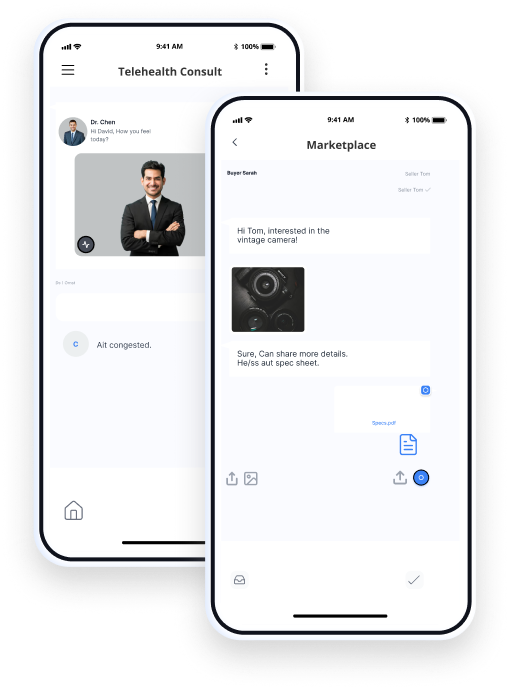
Whether you’re building a secure healthcare portal or a global messaging app, QuickBlox has you covered.
HIPAA-compliant hosting
and data handling
Cloud or self-hosted
deployment options
Enterprise onboarding,
SLAs, and 24/7 support
Proven scalability for
high-traffic apps
Add chat, voice, video, and AI into your web app today.
Yes. If you need chat using JavaScript, the SDK gives you the building blocks to add it directly into a web app. It handles the basics like connections and message delivery so you don’t have to piece everything together yourself.
A JavaScript chat application is simply a web app that lets users exchange messages in real time. With QuickBlox, you can implement group chat, file sharing, typing indicators, and message history without building everything from scratch.
Yes. The SDK functions as a JavaScript chat library and comes with practical examples. You’ll find JavaScript chat scripts and sample JavaScript chat code in our documentation and GitHub repository, which you can adapt for your own projects.
JavaScript live chat is just real-time messaging added into your website or app. With QuickBlox, you can set it up so users can talk instantly — useful for support teams, online classes, or marketplaces where people need quick answers.
Yes, it includes a complete JavaScript chat API. This lets you send and receive messages, manage group conversations, retrieve history, and customize how chat works in your application.