QuickBlox Flutter SDK

Cross-platform chat, voice, video, and AI—all in one Flutter SDK.

QuickBlox’s Flutter SDK lets you build secure, real-time communication features into your iOS and Android apps from a single Flutter codebase. Launch chat, enable AI assistants, and support calling—all while maintaining native performance and great UX.

Flutter SDK header image

Core Capabilities at a Glance

Build rich communication experiences with one Flutter codebase.

Core Capabilities
In-App Cha imageIn-App Chat

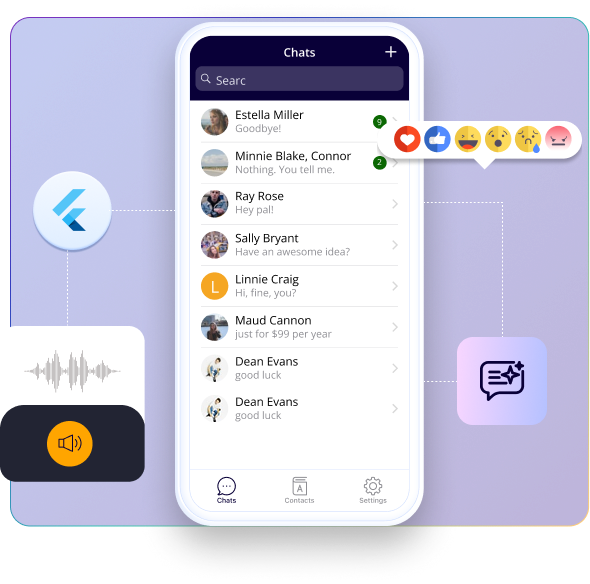
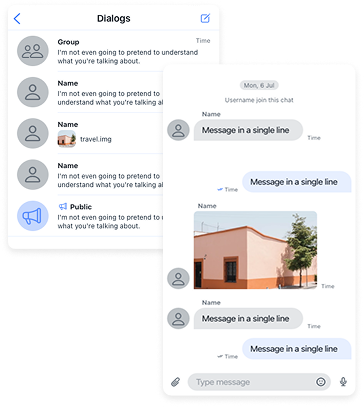
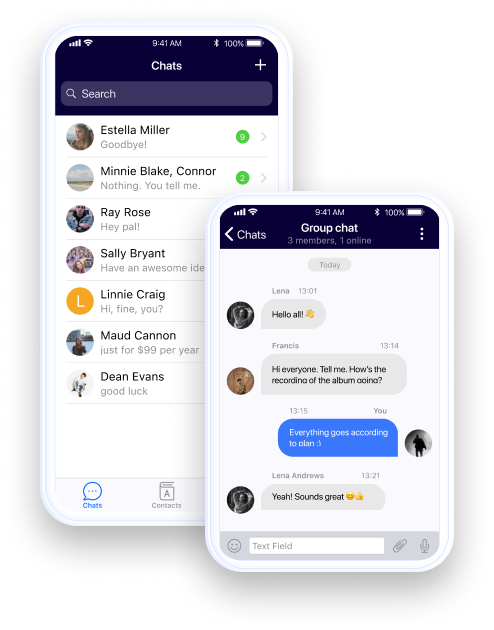
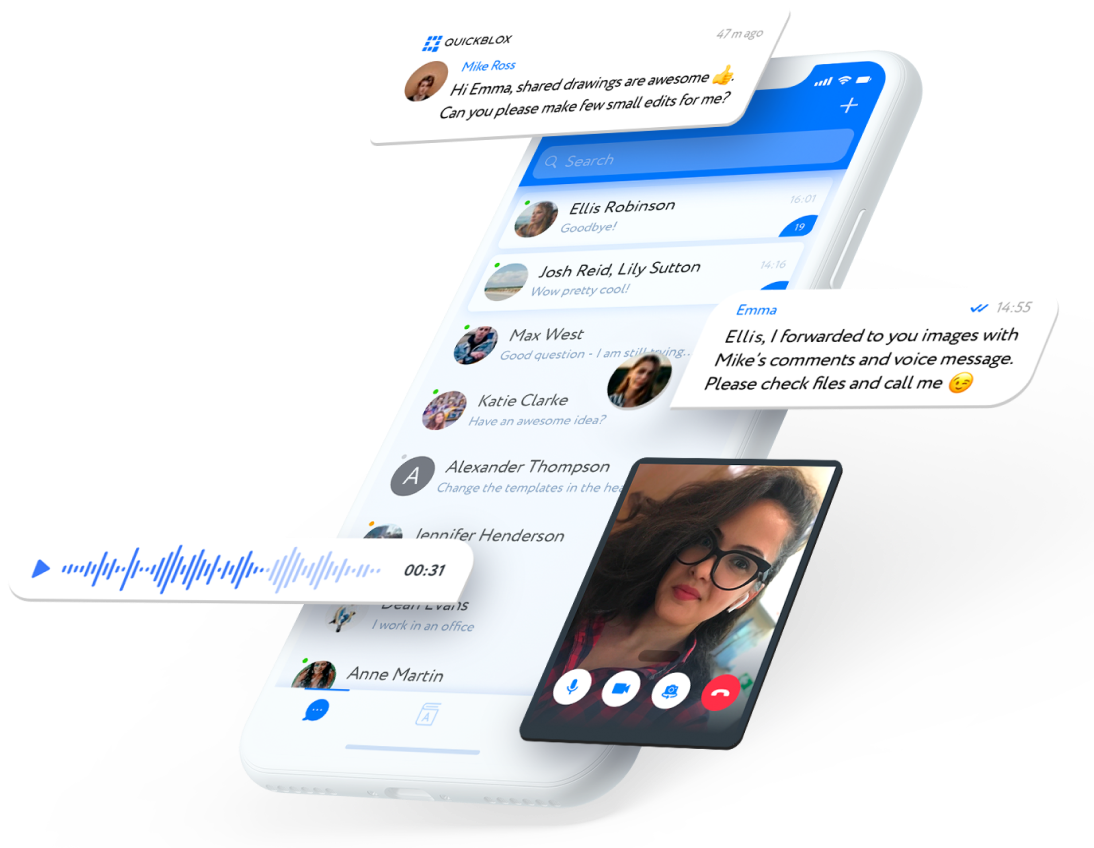
Enable 1-to-1 and group chat with message history, typing indicators, and multimedia support.

Voice & Video Calls imageVoice & Video Calls

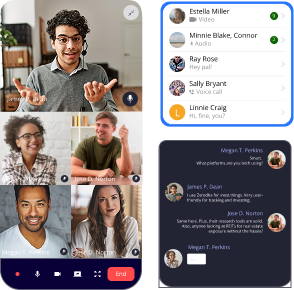
Integrate high-quality, WebRTC-based calls that work across iOS and Android.

Push Notifications imagePush Notifications

Reach users with timely updates using Firebase or APNs for cross-device alerts.

Ready to Build Chat?

Seamlessly add real-time chat, voice, and video to your cross-platform mobile app with our developer-friendly Flutter SDK.

No credit card needed. Start integrating in minutes.

Ready to Build Chat?

Why Use QuickBlox
Flutter SDK?

Fast to Integrate imageTruly Cross-Platform

Build once, deploy to iOS and Android with a single Dart codebase.

Modular & Scalable imageModular Design

Use only what you need—chat, calling, or media.

HIPAA-Ready & Secure imageBuilt for Compliance

Includes options for HIPAA-compliant hosting and enterprise-grade encryption.

Why Use QuickBlox Flutter SDK?

Quick Start in 60 Seconds

Step 1

Sign up for a free QuickBlox account

Step 2

Create an app and copy your credentials

Step 3

Install the SDK using pub.dev

Step 5

Send a message!

Step 4

Initialize the SDK


  void someMethodInvokingFromMain() async {
  const applicationId = "your_application_id";
  const authKey = "your_auth_key";
  const authSecret = "your_auth_secret";
  const accountKey = "your_account_key";

  //Here we initialize the SDK with the required parameters.
  await QB.settings.init(applicationId, authKey, authSecret, accountKey);

  //Here we optionally enable automatic chat reconnection. If there are network issues, the chat will reconnect automatically.
  await QB.settings.enableAutoReconnect(true);

  //Here we log in the user to create a session and start using the chat and other SDK features.
  QBLoginResult result = await QB.auth.login("user_login", "user_password");
  QBUser? qbUser = result.qbUser;

  //Here we connect to the chat to start using real-time messaging for sending and receiving messages.
  await QB.chat.connect(qbUser!.id!, "user_password");

  //Here we subscribe to chat events to receive incoming messages from other users.
  await QB.chat.subscribeChatEvent(QBChatEvents.RECEIVED_NEW_MESSAGE, (data) {
    Map map = Map.from(data);

    Map payload = Map.from(map["payload"]);
    String messageBody = payload["body"] as String;
    String messageId = payload["id"] as String;
  });

  //Here we optionally create a new dialog with other users. The occupantsIds parameter should contain the IDs of the participants.
  QBDialog? createdDialog = await QB.chat.createDialog(QBChatDialogTypes.GROUP_CHAT, occupantsIds: [], dialogName: "my dialog name");

  //Here we send our message to other users in the dialog.
  await QB.chat.sendMessage(createdDialog!.id!, body: "message body", saveToHistory: true);
}


What You Can Build

  • Healthcare apps with HIPAA-ready chat and AI assistants
  • Support apps with live agents and smart routing
  • Education platforms with group chat for virtual classrooms
  • Marketplace apps with rich messaging and media exchange
flutter sdk image

SDK Feature Modules

Feature Module Description
Authentication image

Authentication

Manage sign-up, login, and session flow

Chat image

Chat

Real-time messaging with media and history

Voice & Video image

Voice & Video

WebRTC-based calls on mobile

Push Notifications image

Push Notifications

Firebase/APNs support for cross-platform alerts

User Management image

User Management

Manage user profiles, roles, and lists

Content image

Content

Upload and send files, images, and audio

Custom Objects image

Custom Objects

Store app-specific data securely

Address Book Sync image

Address Book

Discover contacts via sync or invite flow

Built for Flutter Developers

Sample App

Explore a full-featured Flutter chat demo

View on GitHub

Documentation & API

Everything you need to integrate, customize, and launch

View Docs

Ready to Get Started?

Build smart, secure chat for your cross-platform app with the QuickBlox Flutter SDK.

Enterprise-Ready

QuickBlox supports startups and enterprises with scalable, secure communication tools.

HIPAA-compliant hosting available image

HIPAA-compliant and
secure hosting

Self-hosted or cloud deployment image

Self-hosted or cloud
deployment

Priority support, onboarding, and SLAs image

Priority support and SLA
options

Built to scale across user bases image

Built to scale across user
bases

Additional Resources

FAQs: Flutter SDK

What is a chat SDK for Flutter?

Think of a chat SDK for Flutter as a shortcut. Instead of coding a chat system from the ground up, you drop in a ready-made Flutter chat SDK that already handles the basics — messages, calls, even AI tools — so you can focus on your app.

How does the QuickBlox chat SDK Flutter improve my app?

With the chat SDK Flutter you don’t waste weeks figuring out messaging. It just plugs in and works across iOS and Android. You get secure chat, calling, push alerts, and AI features out of the box, which keeps users happier and saves your dev team a lot of time.

What’s included in the Flutter messaging SDK?

The Flutter messaging SDK covers the stuff you’d expect — 1-to-1 and group chat, typing indicators, message history, file sharing, push notifications. Basically all the nuts and bolts of Flutter chat so you don’t have to rebuild them yourself.

Can I add video calling with the Flutter SDK?

For sure. The QuickBlox Flutter SDK covers supports both chat and video calling. The Flutter SDK is built on WebRTC, so you can spin up voice or video calls without a lot of extra work. It runs fine on iOS and Android — your users won’t know or care, it just works.

Who should use the QuickBlox Flutter SDK?

Honestly, anyone building an app that needs chat or calls. Doesn’t matter if it’s healthcare, schools, support, or marketplaces — the Flutter SDK fits in. If your app needs people talking or messaging, it’s useful.