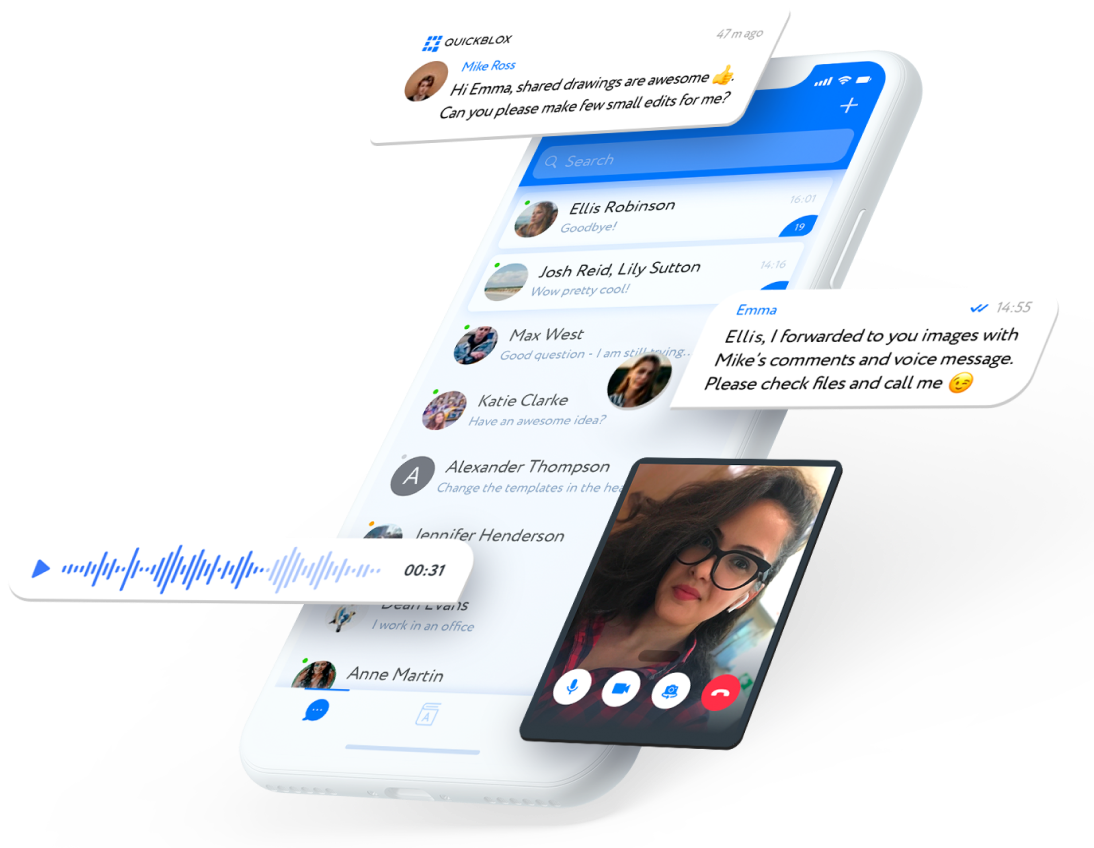
Launch smart messaging, calling, and AI-powered experiences in your Android app fast.
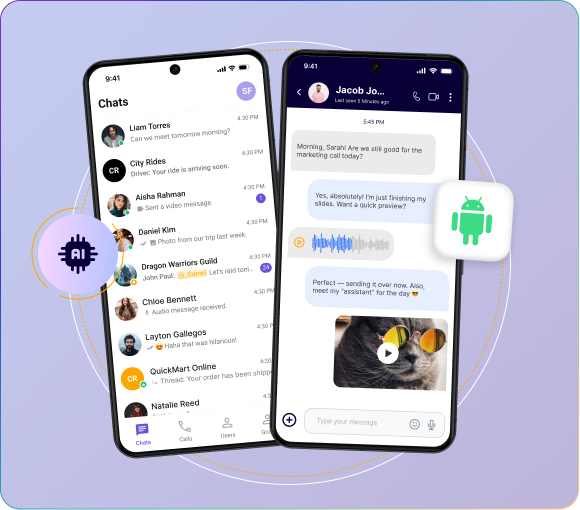
QuickBlox’s Android SDK makes it simple to add secure, scalable communication features to your app. Build robust chat, enable voice/video calling, and integrate AI assistants—all with clean code and minimal setup.
Everything you need to power real-time communication on Android.
In-App Messaging
One-on-one or group chat with media sharing, typing indicators, message history, and read receipts.
Voice & Video Calls
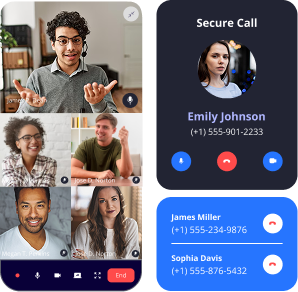
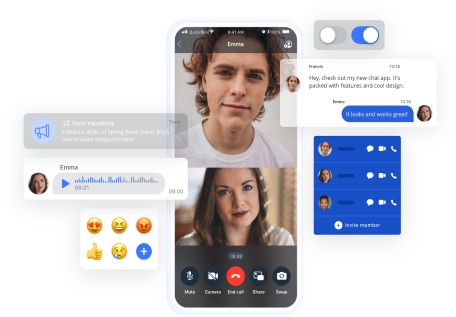
Real-time, WebRTC-based audio and video calls for personal or group conversations.
Push Notifications
Send instant, native alerts even when users are offline.
QuickBlox’s Android SDK includes built-in AI tools to take user communication to the next level—no third-party AI tools required.
Answer Assist
Generates smart reply suggestions to improve chat efficiency and user experience.
Translate
Enables real-time multilingual messaging by automatically translating messages between users.
Rephrase
Allows users to adjust the tone, wording, or formality of their message—perfect for customer service or healthcare apps.
AI Agents
Deploy intelligent bots for onboarding, support, and more—fully integrated into your chat flow.
Everything is self-contained within the QuickBlox platform. Activate and customize with ease.
Accelerate development with our ready-made UI Kit for Android.
Smart Chat Navigation:
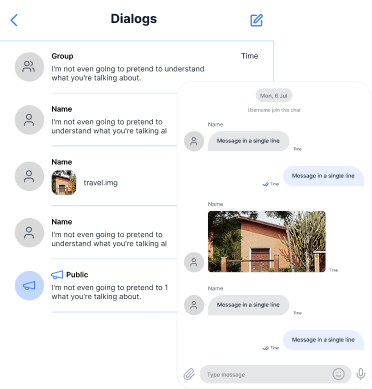
See active conversations at a glance with previews, unread badges, and timestamps.
Seamless File Sharing:
Exchange text, photos, videos, voice notes, and docs instantly.
Live Status Indicators:
Know when someone’s typing or has read your message.
Voice and Link Enhancements:
Record and send voice messages or share URLs with automatic previews.
Flexible Message Controls:
Customize actions like reply, forward, and unread counters with full UI theming.
Deliver a polished user experience—without starting from scratch.
Empower your Android app with real-time chat, voice, and video features using our developer-friendly Android SDK.
No credit card needed. Start integrating in minutes
Quick to Deploy
Clear documentation, Kotlin and Java support, and easy setup via Gradle.
Modular & Extensible
Use just what you need—chat, calling, storage, user management, or all of it.
HIPAA-Ready & Secure
End-to-end encryption, secure cloud or on-premise hosting, and compliance options.
Sign up for a free QuickBlox account
Create your app and grab your credentials
Add the SDK via Gradle
Send your first message!
Initialize the SDK
//Init SDK
private const val APPLICATION_ID = "your_application_id"
private const val AUTH_KEY = "your_auth_key"
private const val AUTH_SECRET = "your_auth_secret"
private const val ACCOUNT_KEY = "your_account_key"
class App : Application() {
override fun onCreate() {
super.onCreate()
QBSDK.init(applicationContext, APPLICATION_ID, AUTH_KEY, AUTH_SECRET, ACCOUNT_KEY)
}
}
//Place in your project where you want to integrate the QuickBlox UI Kit
//Authenticate user and init UI Kit
class MainActivity : AppCompatActivity() {
override fun onCreate(savedInstanceState: Bundle?) {
super.onCreate(savedInstanceState)
setContentView(R.layout.activity_main)
val user = QBUser()
user.login = "userlogin"
user.password = "userpassword"
QBUsers.signIn(user).performAsync(object : QBEntityCallback {
override fun onSuccess(user: QBUser?, bundle: Bundle?) {
// init Quickblox UIKit
QuickBloxUiKit.init(applicationContext)
// show Dialogs screen
DialogsActivity.show(this@MainActivity)
}
override fun onError(exception: QBResponseException?) {
// handle exception
}
})
}
}
| Feature | Description |
|---|---|
![]() Authentication |
Manage sign-ups, logins, and sessions |
![]() Chat |
Real-time messaging with multimedia support |
![]() Voice & Video |
WebRTC-based calling |
![]() Push Notifications |
Native alerts via FCM |
![]() User Management |
Handle user profiles, lists, and roles |
![]() Content |
Upload images, audio, documents |
![]() Custom Objects |
Store and retrieve app-specific data |
![]() Address Book Sync |
Sync and discover contacts from device |
QuickBlox powers real-time communication for global organizations across healthcare, finance, and education.
HIPAA-compliant cloud
and on-premise hosting
Dedicated onboarding
and technical support
Priority SLAs and
performance monitoring
Scalability from small
apps to enterprise workloads
Whether you’re building for 1,000 or 1 million users—we scale with you.
Spin up a powerful chat and AI experience in your Android app—today.
The Android chat SDK is basically a starter pack for chat and calls. Instead of building chat features from the ground up, you just drop this in. If you’re looking for the best chat SDK for Android, take a look at the QuickBlox SDK. Ours is quick to set up and actually holds up when your app grows.
Absolutely. The live chat Android SDK gives you one-to-one chat, group threads, media sharing, and push alerts. You can even throw in bots or translations if you want. It’s all baked in.
Yes. There’s a full sample app with Android chat application source code on GitHub. It shows you exactly how to wire up the chat SDK for Android in a real app — super handy if you want to see it working before you dive in.
Sure is. Along with messaging, the chat SDK Android has WebRTC calls built in. That means you can do text, voice, and video all under one roof.
Mostly because it’s easy and saves time. Works with Kotlin or Java, and covers chat, calls, and push notification without needing a bunch of other tools. When people talk about the best chat SDK for Android, they usually mean something that does all that in one go — which is why QuickBlox makes the list.