QuickBlox React Native SDK

Add chat, calling, and AI to your mobile app—faster with React Native.

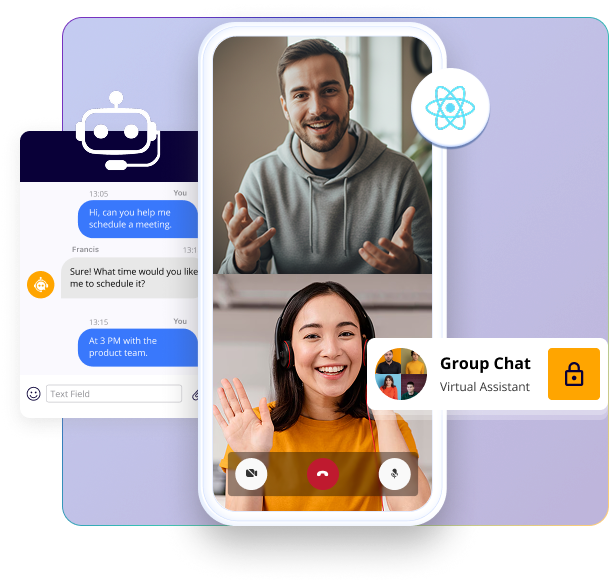
QuickBlox’s React Native SDK enables secure real-time communication features across Android and iOS from a single codebase. Build chat, voice/video calls, and AI assistants directly into your mobile app without complex native setup.

React Native SDK header image

Core Capabilities at a Glance

Everything you need to power real-time mobile messaging with React Native.

Core Capabilities
In-App Cha imageCross-Platform Chat

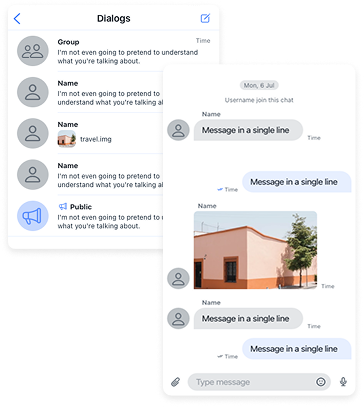
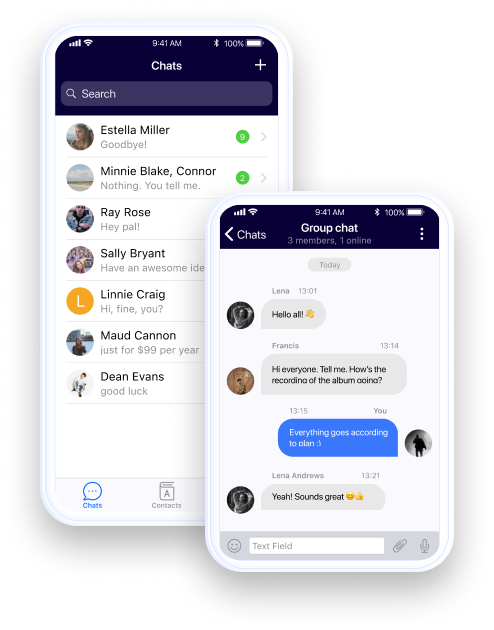
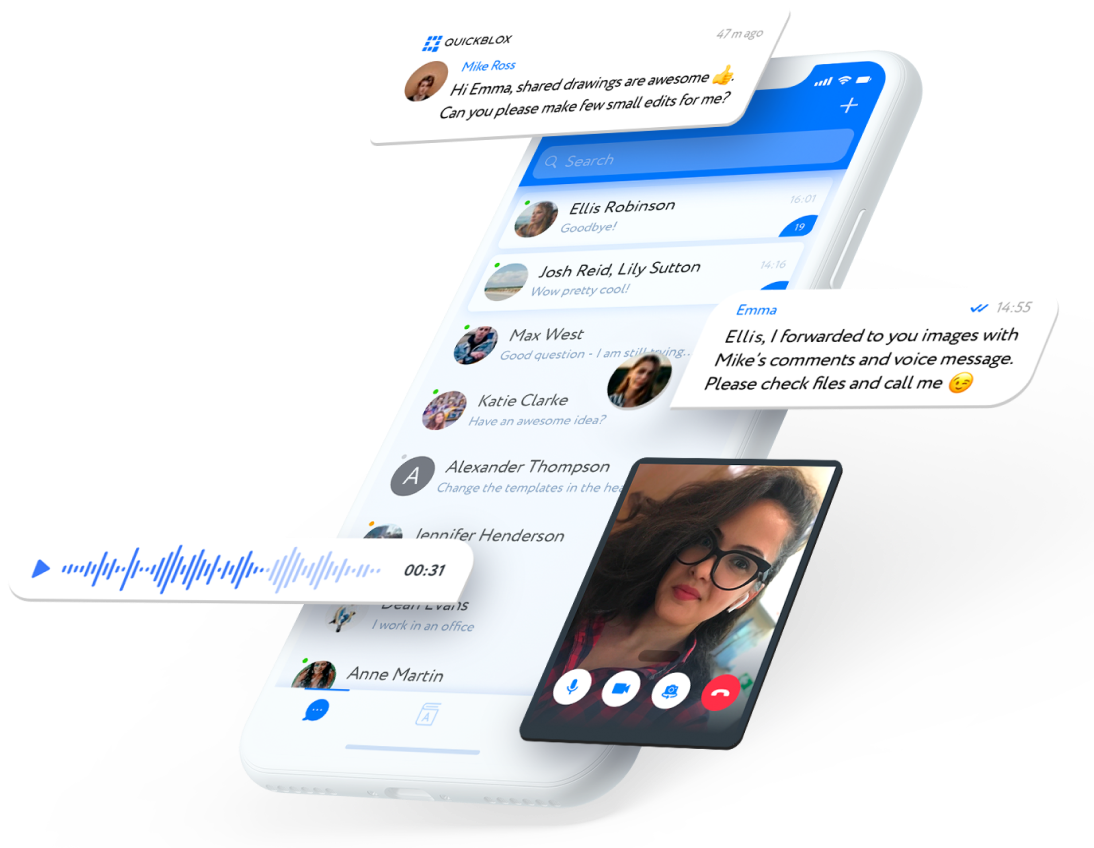
Real-time messaging with group support, message history, media sharing, typing indicators, and delivery receipts.

Voice & Video Calls imageVoice & Video Calls

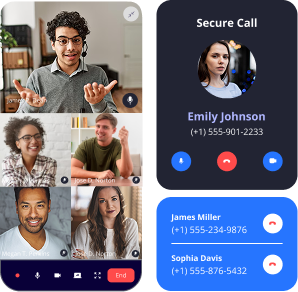
Native-quality WebRTC audio and video calling that works seamlessly across iOS and Android.

Push Notifications imagePush Notifications

Reach users with timely updates using Firebase or APNs for cross-device alerts.

Ready to Build Chat?

Easily add real-time chat, voice, and video to your cross-platform mobile app with our developer-friendly React Native SDK.

No credit card needed. Start integrating in minutes

Ready to Build Chat?

Why Use QuickBlox React Native SDK?

Fast to Integrate imageFast Cross-Platform Setup

Unified setup for Android and iOS via JavaScript—no need for separate native integrations.

Modular & Scalable imageModular Architecture

Choose what you need: chat, voice/video, content, or user management.

HIPAA-Ready & Secure imageCompliance-Ready

Robust encryption and secure hosting options that support HIPAA and enterprise standards.

Why Use QuickBlox Flutter SDK?

Quick Start in 60 Seconds

Step 1

Create your free QuickBlox account

Step 2

Register your app and copy the credentials

Step 3

Install the SDK via npm or yarn

Step 5

Connect a user and send a message!

Step 4

Initialize the SDK in your app


import QB from 'quickblox-react-native-sdk';

interface ChatMessageEvent {
  type: string;
  payload: QB.Message;
}

const APPLICATION_ID   = 'your_application_id';
const AUTH_KEY         = 'your_auth_key';
const AUTH_SECRET      = 'your_auth_secret';
const ACCOUNT_KEY      = 'your_account_key';

const USER_LOGIN      = 'your_user_login';
const USER_PASSWORD   = 'your_user_password';
const DIALOG_ID       = 'your_dialog_id_here';  

export async function someMethodInvokingFromMain(): Promise {
  const appSettings = {
    appId:       APPLICATION_ID,
    authKey:     AUTH_KEY,
    authSecret:  AUTH_SECRET,
    accountKey:  ACCOUNT_KEY,
  };
  try {
    // Here we initialize the SDK with the required parameters.
    await QB.settings.init(appSettings);
    // Here we optionally enable automatic chat reconnection. If there are network issues, the chat will reconnect automatically.
    await QB.settings.enableAutoReconnect({ enable: true });
    // Here we log in the user to create a session and start using the chat and other SDK features.
    const info = await QB.auth.login({ login: USER_LOGIN, password: USER_PASSWORD });
    console.log('[QuickBlox] User logged in:', info.user);
    // Here we connect to the chat to start using real-time messaging for sending and receiving messages.
    if (!QB.chat.isConnected()) {
      await QB.chat.connect({ userId: info.user.id, password: USER_PASSWORD });
    }
    // Here we subscribe to chat events to receive incoming messages from other users.
    const emitter = new NativeEventEmitter(QB.chat as any);
    emitter.addListener(QB.chat.EVENT_TYPE.RECEIVED_NEW_MESSAGE, receivedNewMessage);
    // Here we optionally create a new dialog with other users. The occupantsIds parameter should contain the IDs of the participants.
    const dialog: QB.Chat.CreateGroupOrPublicDialogParams = {
      type: QB.chat.DIALOG_TYPE.GROUP_CHAT,
      name: 'my dialog name',
      occupantsIds: [], // Replace with actual user IDs
    };
    await QB.chat.createDialog(dialog);
    // Here we send our message to other users in the dialog.
    const message = {
      dialogId: DIALOG_ID,
      body: 'Hello from QuickBlox React Native SDK!',
      saveToHistory: true,
    };
    await QB.chat.sendMessage(message);
  } catch (e) {
    console.error('Error:', e);
    throw e;
  }
}

export function receivedNewMessage({ payload }: ChatMessageEvent): void {
  // payload is QB.Message with full type safety
  console.log('New message:', payload.body, 'from:', payload.senderId);
}


What You Can Build

  • Telemedicine apps with HIPAA-compliant doctor-patient chat
  • Customer service platforms powered by React Native live chat and chatbots
  • eLearning apps with real-time class discussions
  • Marketplaces with secure React Native in-app chat between buyers and sellers
flutter sdk image

SDK Feature Modules

Feature Module Description
Authentication image

Authentication

Sign-up, login, session handling

Chat image

Chat

Rich media chat with groups and history

Voice & Video image

Voice & Video

WebRTC cross-platform calling

Push Notifications image

Push Notifications

Firebase/APNs integration

User Management image

User Management

Profiles, roles, and contacts

Content image

Content

Image, document, and audio upload

Custom Objects image

Custom Objects

Store app-specific backend data

Address Book Sync image

Address Book

Device contact sync and lookup

Built for React Native Developers

Sample App

Start with a complete messaging app example

View on GitHub

Documentation & API

Step-by-step guides and full API references

View Docs

Enterprise-Ready

QuickBlox powers mission-critical communication for businesses in healthcare, education, finance, and beyond.

HIPAA-compliant hosting available image

HIPAA-ready hosting and
security

Self-hosted or cloud deployment image

Cloud or on-premise
deployment

Priority support, onboarding, and SLAs image

Dedicated onboarding
and SLAs

Built to scale across user bases image

Scalable from pilot to
production

Additional Resources

Ready to Get Started?

Launch your cross-platform messaging app today with the QuickBlox React Native SDK.

FAQs: React Native SDK

What is a React Native chat SDK?

A React Native chat SDK is just a toolkit that gives you chat, calls, and even AI features without you needing to build them all yourself. It’s the easiest way to get React Native chat running in your app fast.

Can I use React Native for live chat?

Yes. you can use React Native SDK to use the live chat feature out of the box. You can do one-to-one, group chats, share files, and even run bots or translations inside your app. Basically, full React Native live chat ready to go.

Can I add video calls with the React Native chat SDK?

For sure. At QuickBlox we don’t offer a separate chat React Native SDK. Our React Native SDK covers chat messaging and WebRTC calling. That means you can add voice and video right next to your React Native chat, so users can message or call in the same place.

Who should use the SDK React Native SDK?

Pretty much anyone building an app that needs messaging. Healthcare apps, customer service with live chat , online classes, marketplaces — the React Native SDK works anywhere people need to talk, type, or share stuff.